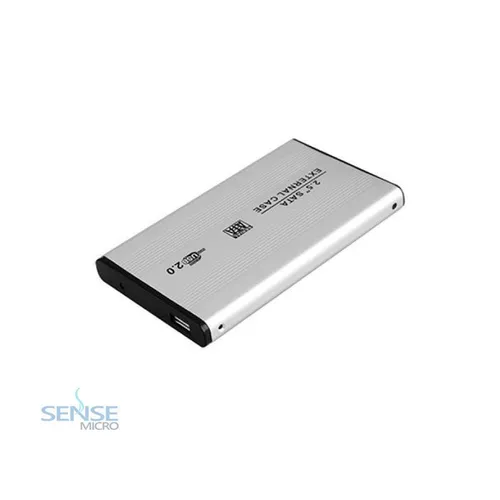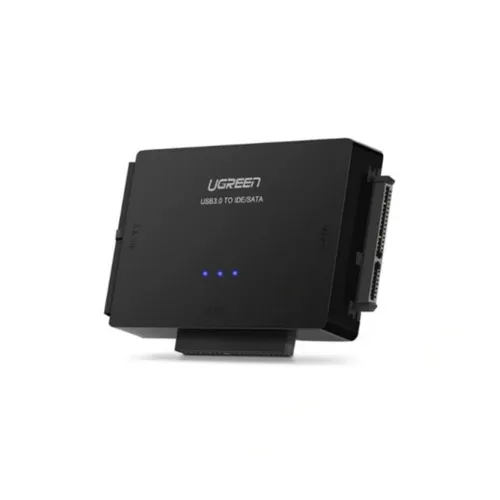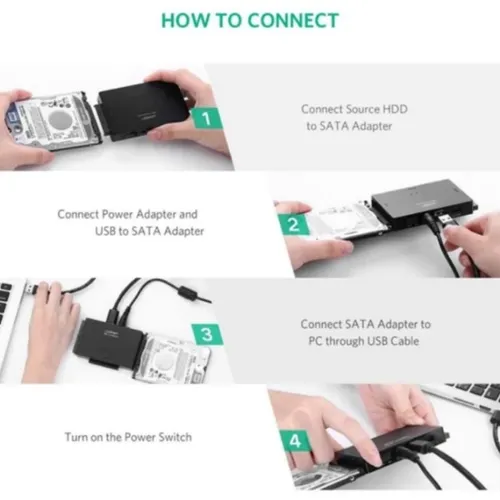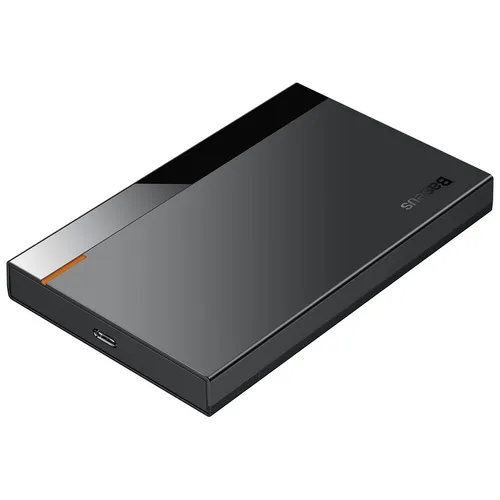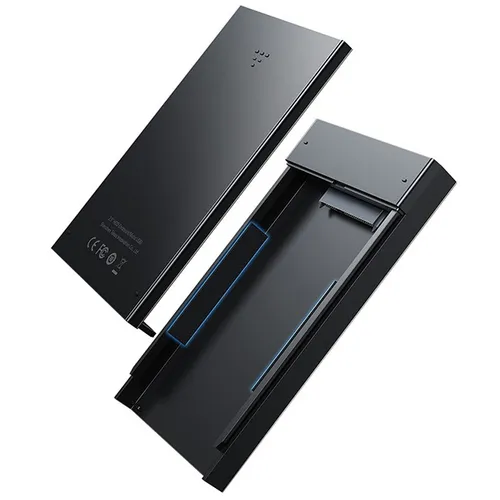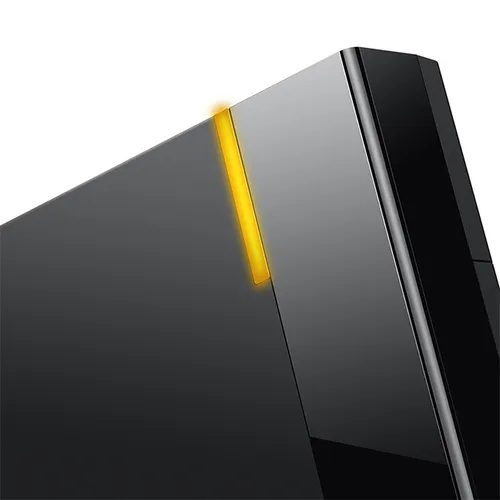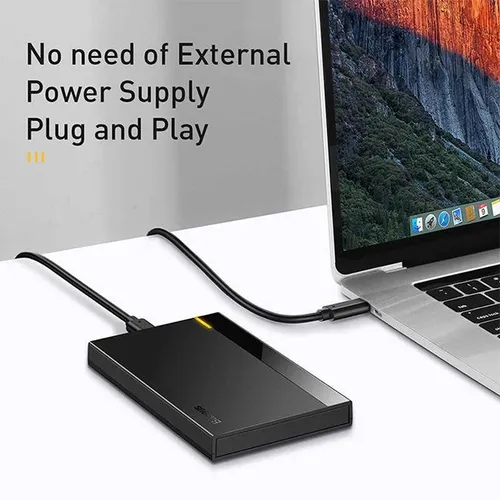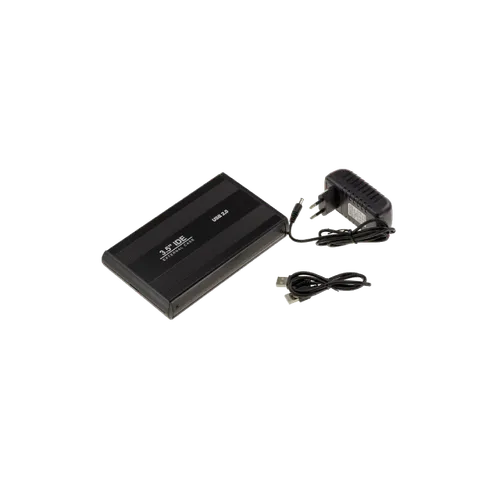
ENCLOSURE HDD - SYMBOL 3.5 IDE ENCLOSURE
Price in Sri Lanka
COMPUTER AND ACCESSORIES
SenseLK

Rs 2,600
In Stock
Available hours
Open now
- MondayToday09:00 - 19:00
- Tuesday09:00 - 19:00
- Wednesday09:00 - 19:00
- Thursday09:00 - 19:00
- Friday09:00 - 19:00
- Saturday09:00 - 19:00
- Sunday09:00 - 17:00
View more on,
Description
| Category | Specification | Details / Notes |
|---|---|---|
| Product / Model | Product Type | External Hard Drive Enclosure for 3.5-inch IDE HDDs |
| Model Name | SYMBOL 3.5 IDE HDD Enclosure | |
| Compatibility | Supported HDD Type | 3.5-inch IDE (PATA) hard drives |
| HDD Capacity Support | Up to 2TB or more depending on HDD and enclosure firmware | |
| Interface to Computer | USB 2.0 (High-Speed) or USB 1.1 (check model specifics) | |
| Power Supply | External DC 12V adapter (included) | |
| Physical & Build | Enclosure Material | Durable plastic or aluminum casing for heat dissipation and protection |
| Dimensions | Approx. 180 × 120 × 40 mm (varies by design) | |
| Weight | Around 300–400 grams | |
| Connection & Ports | HDD Interface | IDE 40-pin connector |
| Host Interface | USB 2.0 port (Type-B or Type-A female port, depending on design) | |
| Cable Included | USB cable included (usually USB-A to USB-B) | |
| Performance | Data Transfer Rate | Up to 480 Mbps (USB 2.0 High-Speed) |
| Plug & Play Support | Yes, supports hot-swapping | |
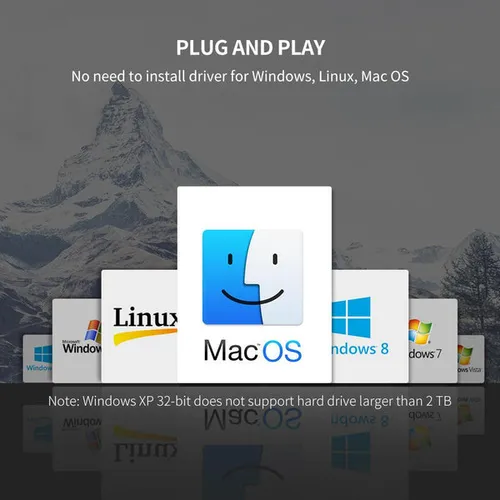
| Operating System Support | Windows (XP/Vista/7/8/10), macOS, Linux | |
| Power & Environment | Power Input | DC 12V external adapter |
| Power Consumption | Approx. 5-10 Watts | |
| Operating Temperature | 5°C to 50°C | |
| Storage Temperature | -20°C to 60°C | |
| Additional Features | LED Indicators | Power and activity LED indicators |
| Cooling | Passive cooling through enclosure design; some models may have built-in fan (check product variant) | |
| Security | Screw-lock enclosure or tool-free design for easy HDD installation and protection | |
| Compatibility Features | Supports standard IDE drives, no driver needed for most OS | |
| Firmware | Built-in bridge controller converts IDE to USB interface | |
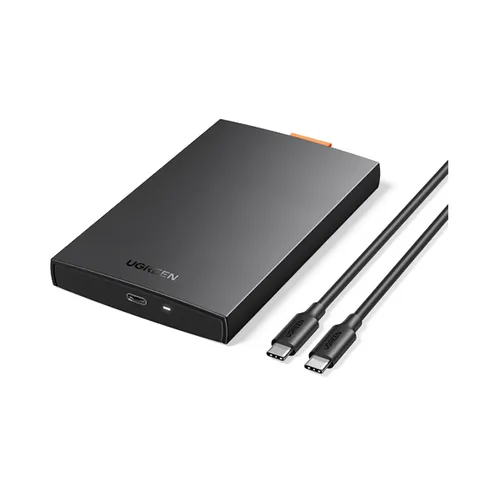
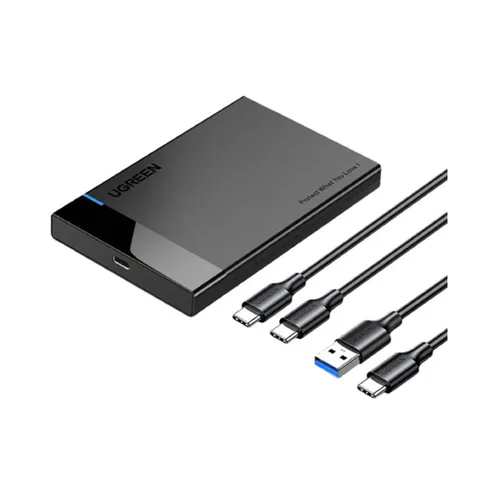
| Package Contents | Included Items | 1 × HDD enclosure, 1 × USB cable, 1 × Power adapter, user manual |
Frequently Asked Questions
What is the price of ENCLOSURE HDD - SYMBOL 3.5 IDE ENCLOSURE in Sri Lanka?▾
The current price of ENCLOSURE HDD - SYMBOL 3.5 IDE ENCLOSURE in Sri Lanka is Rs 2,600 at SenseLK.
Is ENCLOSURE HDD - SYMBOL 3.5 IDE ENCLOSURE available in Sri Lanka?▾
Yes, ENCLOSURE HDD - SYMBOL 3.5 IDE ENCLOSURE is currently in stock at SenseLK in Sri Lanka.
Where can I buy ENCLOSURE HDD - SYMBOL 3.5 IDE ENCLOSURE in Sri Lanka?▾
You can buy ENCLOSURE HDD - SYMBOL 3.5 IDE ENCLOSURE in Sri Lanka at SenseLK. Visit 37left.lk to compare prices across multiple shops and find the best deal.
Loading...