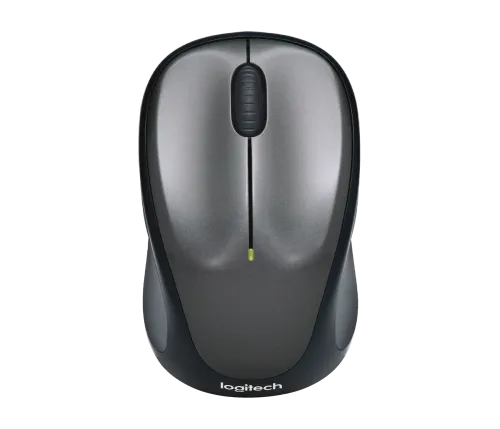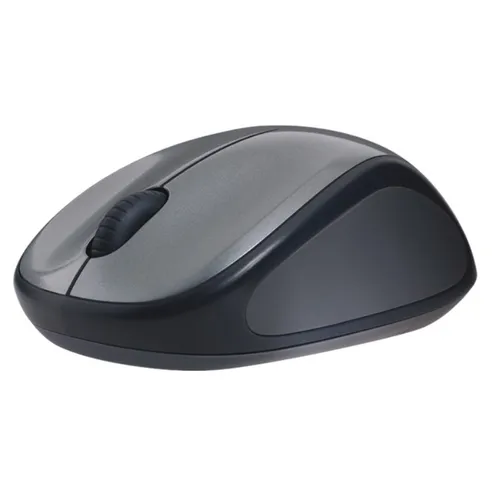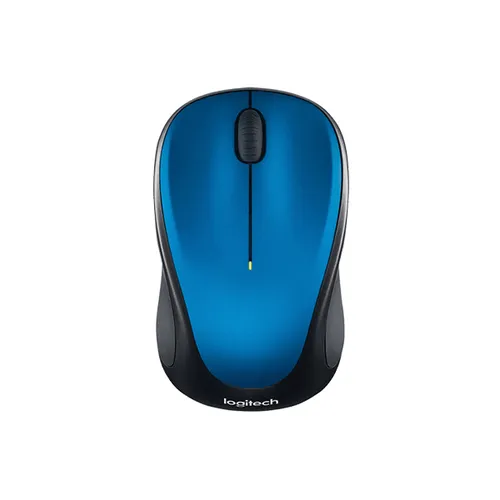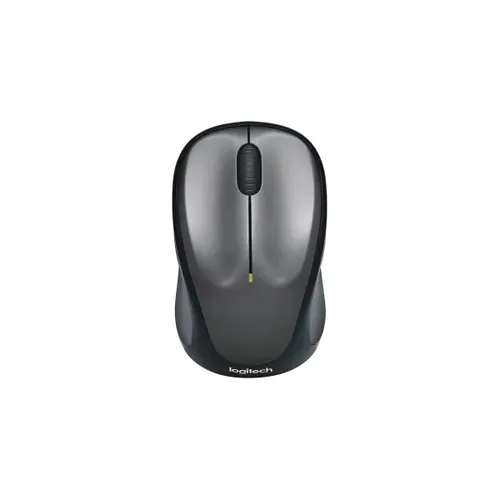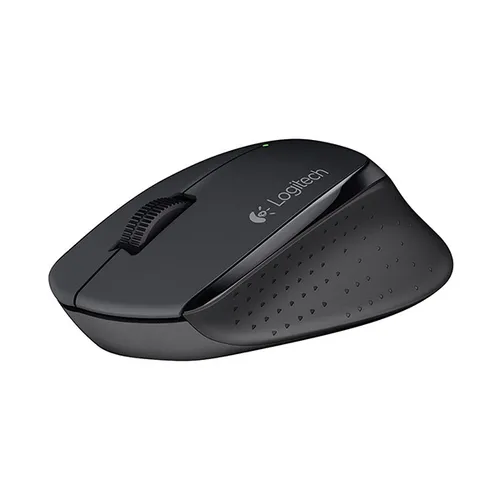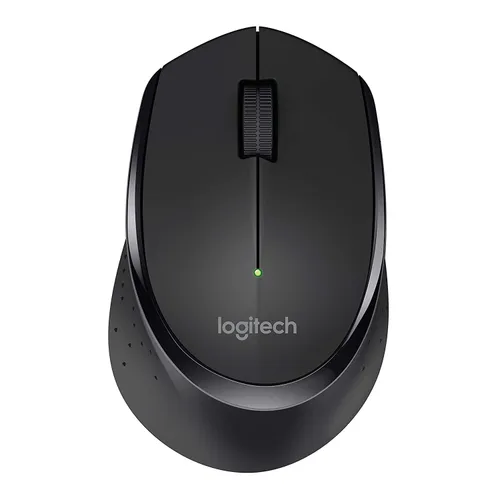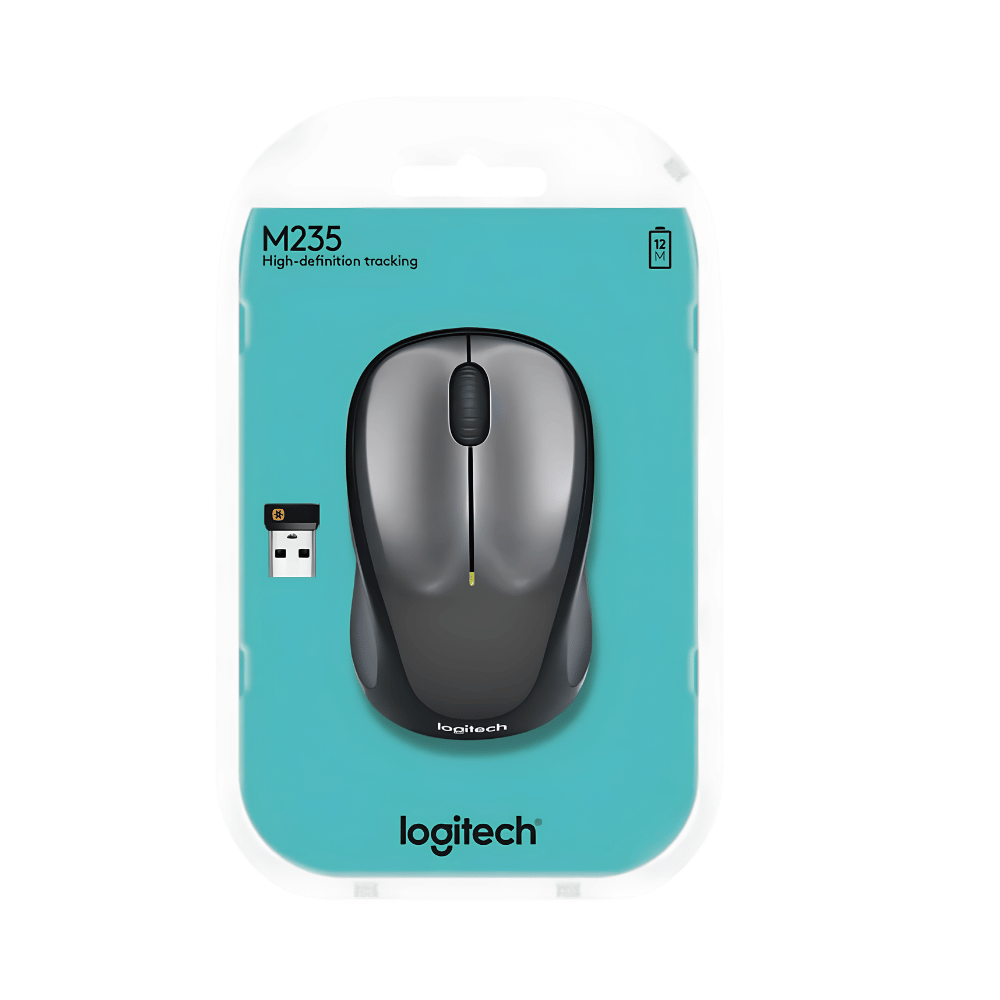
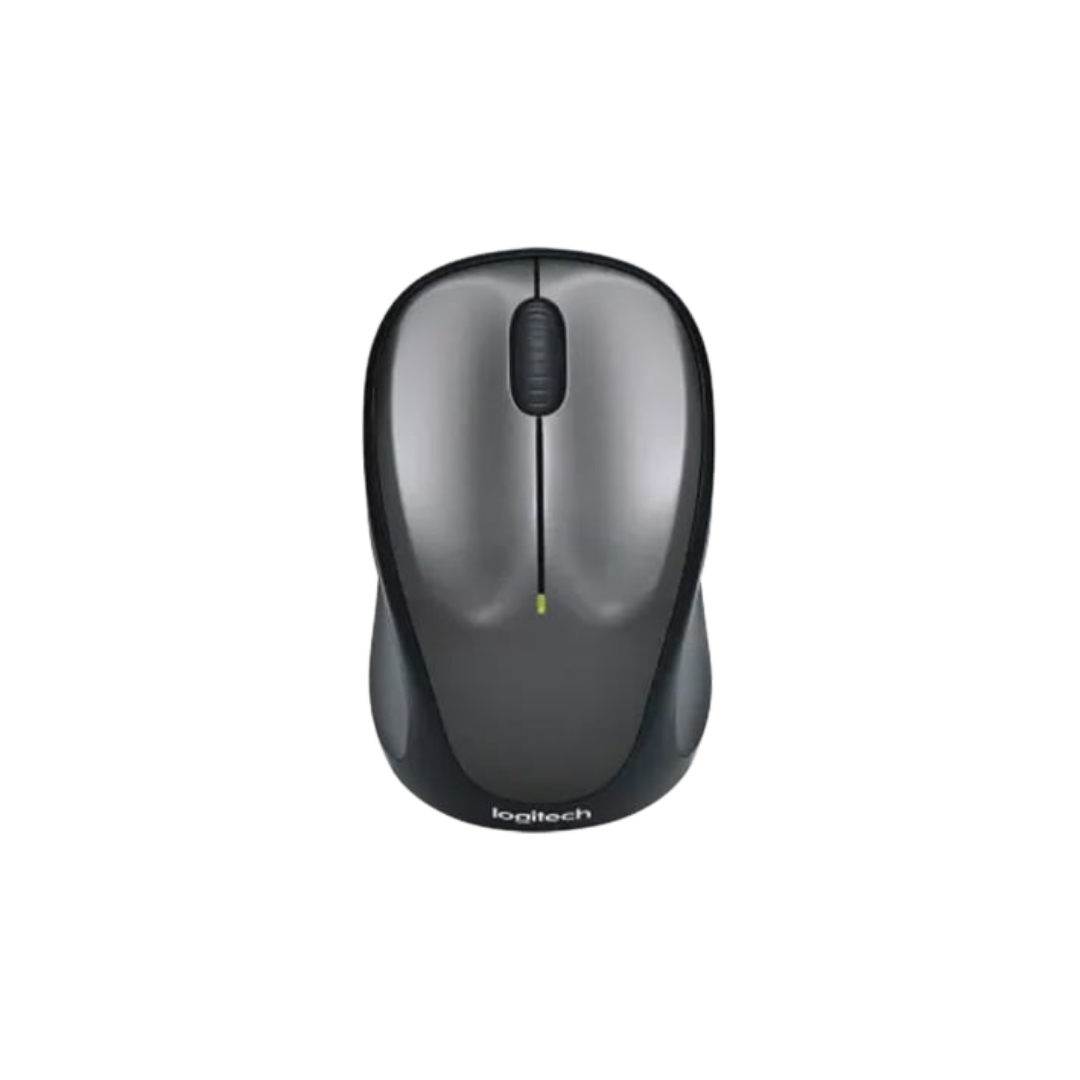
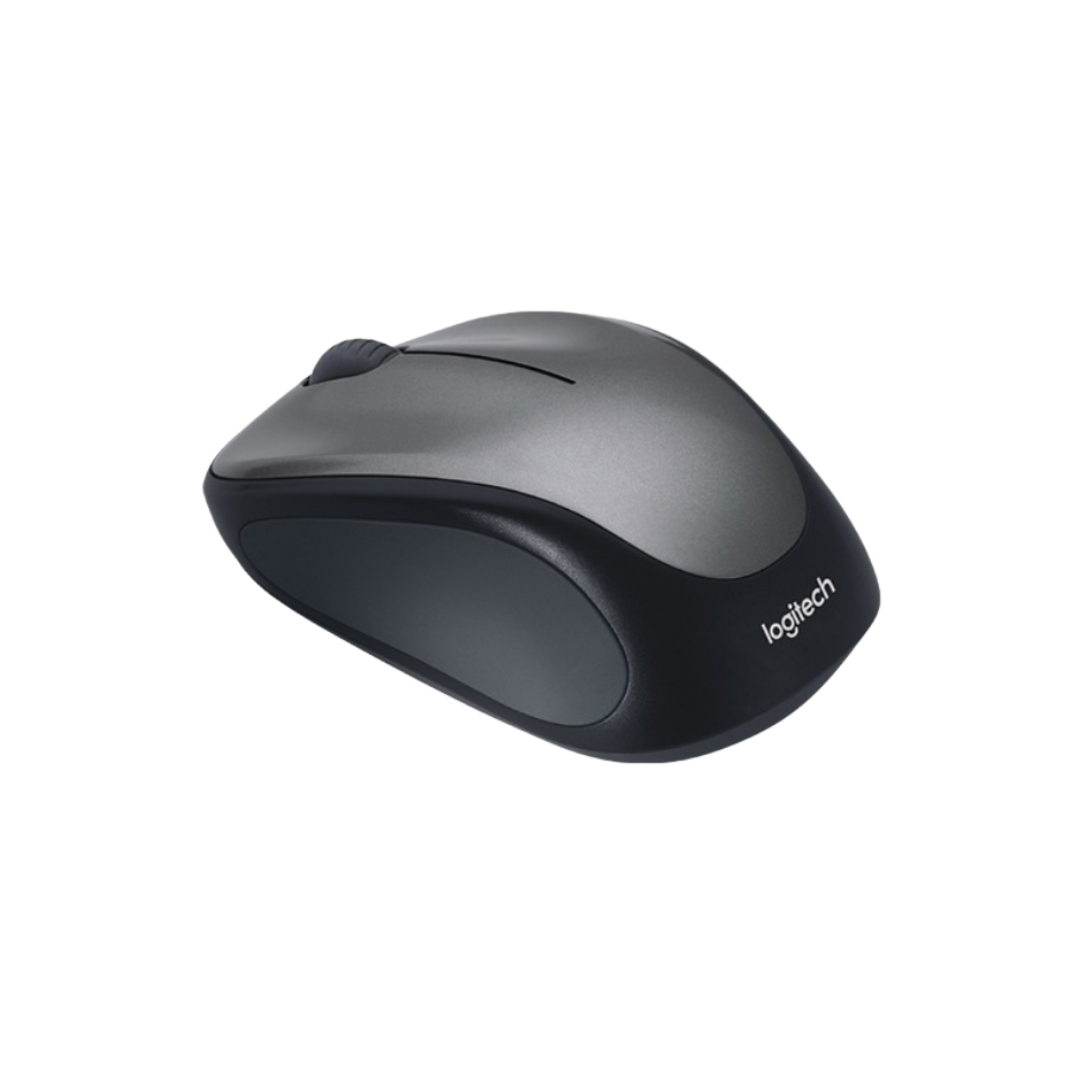
Logitech M235 Wireless Mouse
Price in Sri Lanka
Keyboards & MouseLogitech
Laptopcare

Rs 6,500
In stock
Updated 01 Nov 2026
Opening hours
Closed now
- Monday10:00 - 18:00
- Tuesday10:00 - 18:00
- Wednesday10:00 - 18:00
- Thursday10:00 - 18:00
- Friday10:00 - 18:00
- Saturday10:00 - 18:00
Search for it on
Description
<div id="attributedescription" class="data item content" role="tabpanel" data-role="content" aria-labelledby="tab-label-attributedescription" aria-hidden="false">
<div class="product attribute description">
<div class="value">
<img class="aligncenter" src="https://resource.logitech.com/w_695,c_limit,q_auto,f_auto,dpr_1.0/content/dam/logitech/en/products/mice/m317-wireless-mouse/m317-feature-01-red.jpg?v=1" alt="COMFORTABLE SHAPE, COMPACT DESIGN" width="451" height="262" />
<h2 class="h3 " style="text-align: center">COMFORTABLE SHAPE, COMPACT DESIGN</h2>
<p style="text-align: center">Stay productive longer with M235. Its comfortable, contoured shape follows the natural curve of your hand. The mouse is also designed for both right- and left-handed users allowing you to switch the left and right click buttons via Logitech Options™ Softwar</p>
<p style="text-align: center"><img src="https://resource.logitech.com/w_695,c_limit,q_auto,f_auto,dpr_1.0/content/dam/logitech/en/products/mice/m317-wireless-mouse/m317-feature-03-new-2.jpg?v=1" alt="compact wireless keyboard mice workspace" width="462" height="260" /></p>
<h2 class="h3 " style="text-align: center">EASY NAVIGATION, PRECISE CONTROL</h2>
<p style="text-align: center">Navigate more easily with a controlled line-by-line scrolling experience. No more annoying missed clicks—the optical sensor allows you to track with smooth and accurate cursor control on almost any surface.</p>
<p style="text-align: center"><img src="https://resource.logitech.com/w_695,c_limit,q_auto,f_auto,dpr_1.0/content/dam/logitech/en/products/mice/m317-wireless-mouse/m317-feature-05-new.jpg?v=1" alt="left hand mice workspace" width="482" height="271" /></p>
<h2 class="h3 " style="text-align: center">PLUG & PLAY SIMPLICITY</h2>
<p style="text-align: center">M235 is compatible with most OS—Windows<sup>®</sup>, macOS, Linux<sup>®</sup><a class="note note-tooltip js-note-tooltip"><sup aria-label="footnote 3">3</sup><span class="visually-hidden js-tooltip-descriptor" aria-hidden="true">Customization of the buttons via Logitech Options is not possible on Linux.</span></a>—and is also a certified Works with Chromebook<sup>™</sup><a class="note note-tooltip js-note-tooltip"><sup aria-label="footnote 4">4</sup><span class="visually-hidden js-tooltip-descriptor" aria-hidden="true">This product has been certified to meet Google's compatibility standards. Google is not responsible for the operation of this product or its compliance with safety requirements. Chromebook and the "Works With Chromebook" badge are trademarks of Google LLC.</span></a> product. Simply plug the USB receiver into your computer laptop to start working in seconds. The receiver also provides a strong, reliable connection within up to 10 meters<a class="note note-tooltip js-note-tooltip"><sup aria-label="footnote 5">5</sup><span class="visually-hidden js-tooltip-descriptor" aria-hidden="true">Wireless range may vary based on user, environmental and computing conditions.</span></a>.</p>
<p style="text-align: center"><img src="https://resource.logitech.com/w_695,c_limit,q_auto,f_auto,dpr_1.0/content/dam/logitech/en/products/mice/m317-wireless-mouse/m317-feature-06-red.jpg?v=1" alt="stylish wireless mouse" width="492" height="277" /></p>
<h2 class="h3 " style="text-align: center">ANY LOCATION, ANY OCCASION</h2>
<p style="text-align: center">Compact and wireless, M235 can be taken anywhere you go as it fits easily in your laptop case or in a bag. The compact size and shape of the mouse also make it an excellent option for homeschooled children.</p>
<p style="text-align: center"><img src="https://resource.logitech.com/w_695,c_limit,q_auto,f_auto,dpr_1.0/content/dam/logitech/en/products/mice/m317-wireless-mouse/m317-feature-07-red.jpg?v=1" alt="red wireless mouse" width="494" height="278" /></p>
<h2 class="h3 " style="text-align: center">QUALITY YOU CAN RELY ON</h2>
<p style="text-align: center">The mouse is built using the same high quality standards that have made Logitech the global leader for mice and keyboards<a class="note note-tooltip js-note-tooltip"><sup aria-label="footnote 6">6</sup><span class="visually-hidden js-tooltip-descriptor" aria-hidden="true">Based on independent sales data (in units) aggregated for Logitech mice and keyboards from major global markets including Canada, China, France, Germany, Indonesia, Republic of Korea, Russian Federation, Sweden, Taiwan, Turkey, UK, US (July ’19 - July ’20 period). Retail channel only.</span></a>. Durable and reliable, M235 also works up to 12 months<a class="note note-tooltip js-note-tooltip"><sup aria-label="footnote 7">7</sup><span class="visually-hidden js-tooltip-descriptor" aria-hidden="true">Battery life may vary based on use and computing conditions.</span></a> without changing batteries—with the help of the on/off switch button and auto-sleep power-saving mode.</p>
</div>
</div>
</div>
Frequently asked questions
What is the price of Logitech M235 Wireless Mouse in Sri Lanka?▾
The current price of Logitech M235 Wireless Mouse in Sri Lanka is Rs 6,500 at Laptopcare.
Is Logitech M235 Wireless Mouse available in Sri Lanka?▾
Yes, Logitech M235 Wireless Mouse is currently in stock at Laptopcare in Sri Lanka.
Where can I buy Logitech M235 Wireless Mouse in Sri Lanka?▾
You can buy Logitech M235 Wireless Mouse in Sri Lanka at Laptopcare. Visit 37left.lk to compare prices across multiple shops and find the best deal.
Loading...