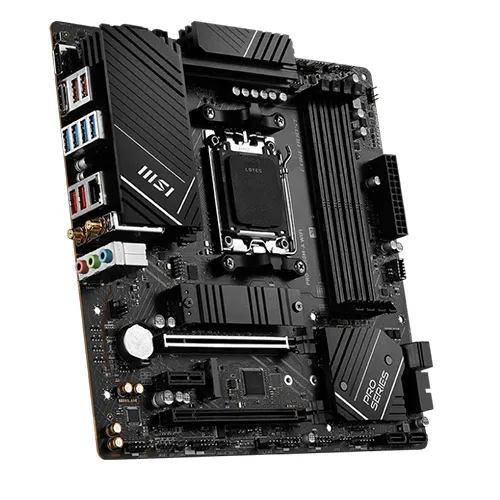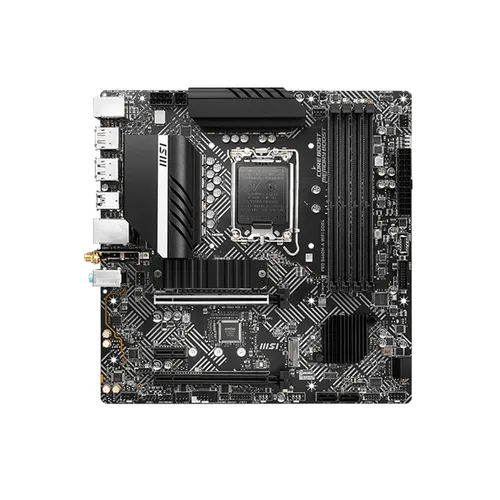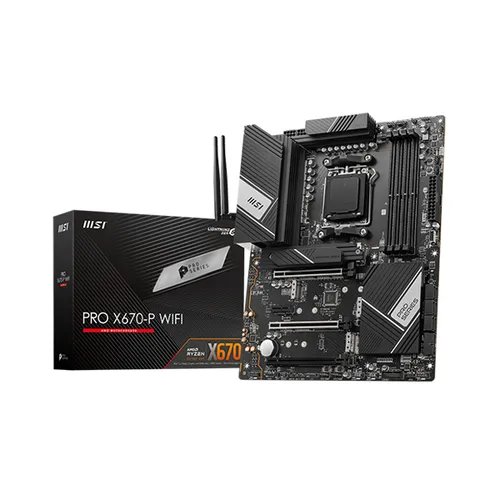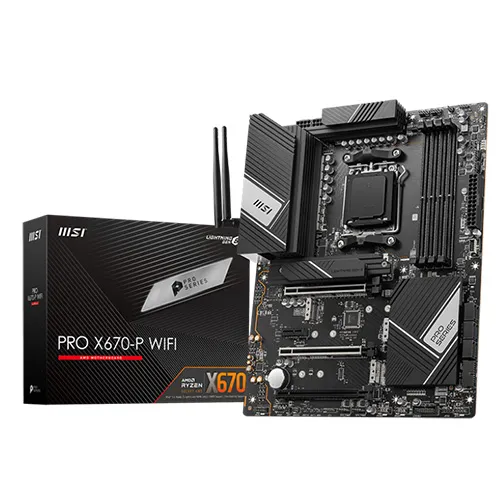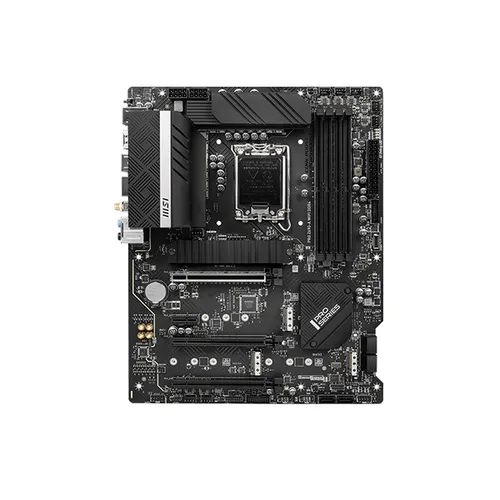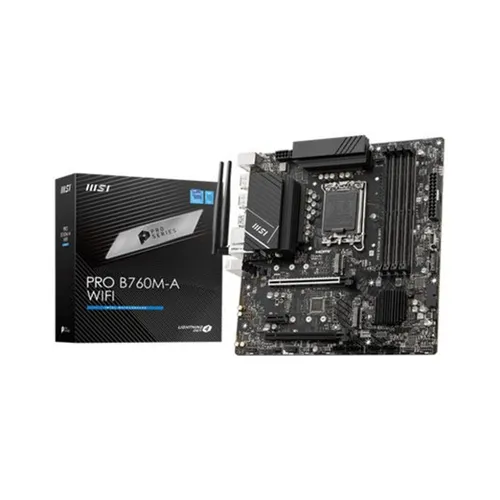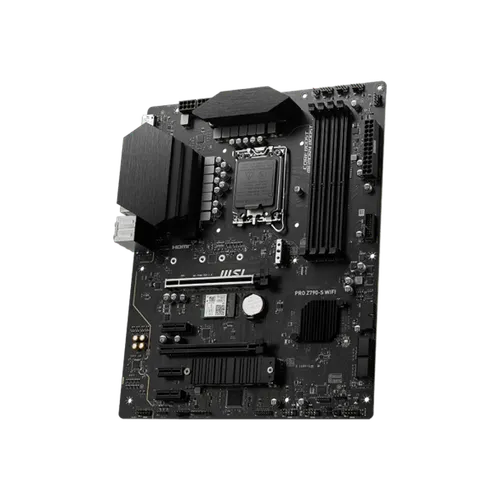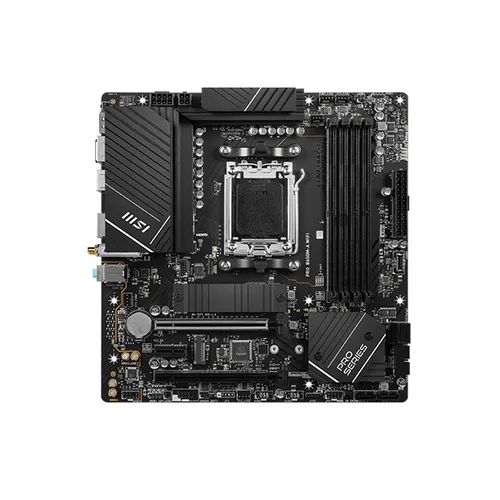
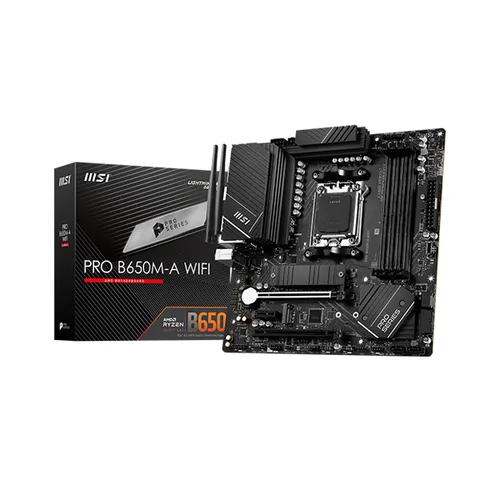
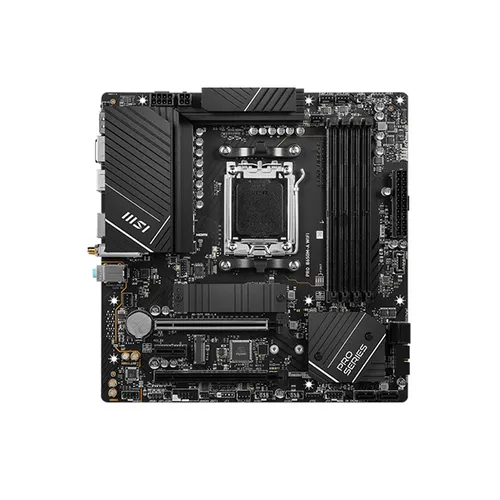
MSI Pro B650M-A Wifi Motherboard
CyberDeals
Rs 77,000
See all the prices and find the best deal
- Monday09:30 - 18:00
- Tuesday09:30 - 18:00
- Wednesday09:30 - 18:00
- Thursday09:30 - 18:00
- Friday09:30 - 18:00
- Saturday09:30 - 17:00
View more on,
Description
MSI Pro B650M-A Wifi Motherboard
COOLING OVERVIEW
Extended Heatsink
Extended Heatsink enlarges the surface of heat dissipation and maintain the performance at heavy loads.
M.2 Shield Frozr
Strengthened M.2 thermal solution helps keep M.2 SSD safe and ensures incredible performance.
Heavy Plated VRM Heatsink
The VRM heatsink covers the upper MOS and helps dissipate the heat.
7W/mK Thermal Pad & Additional Choke Pad
High-quality 7W/mK MOSFET thermal pads and additional choke thermal pads ensure stable performance when all cores are runnging at high speed.
Chipset Heatsink
The chipset heatsink is designed to reduce dust and noise and also capable of maintaining high efficiency of PCH.
MSI motherboards let you manage speeds and temperatures for all your system and CPU fans in BIOS and software with a simplified graphical interface. You can also set up to 4 temperature targets, which will adjust the fan speeds automatically.
Detecting CPU & GPU temperatures and automatically adjusting fan duty of system fans to a proper value by adopting MSI AI ENGINE.
MSI fan headers automatically detect fans running in DC or PWM mode for optimal tuning of fan speeds and silence. Hysteresis also makes your fans spin up fluently to make sure your system stays silent, no matter what.
OPTIMIZED FOR WATER COOLING
Designed to support the most popular All-In-One & customized water cooling solutions on the market. A dedicated water pump PIN header supports up to 3 amp, giving you full control of the water pump speed. A clearly marked ?keep-out-zone? allows for easy and safe installation and a perfect fit.
CORE BOOST
PCB DESIGN
EZ OC TUNING
CORE BOOST
Core Boost technology combines MSI's premium layout and optimized power design which allows for faster and undistorted current delivery to the CPU at pin-point precision. Not only supporting multi-core CPU, also creating the perfect conditions for your CPU overclocking
OPTIMIZED PCB SOLUTION
The PCB design has been optimized for higher bandwidth and faster transfer speeds, which is also beneficial for reliable circuit transmission.
6 PCB layers
2oz Thickened Copper
Performance Switch combines the benefits of AMD default PBO(Precision Boost Overdrive) and MSI?s own OC settings, provides higher CPU performance in both status of single-core and multi-core. This is for users who dare for the maximum performance.
MSI PBO Thermal profiles are setting maximum CPU temperature at 85?C, 75?C and 65?C levels. With the thermal profiles, the CPU operates at lower voltage and temperature but remaining the same performance.
Config TDP is designed to provide ECO Mode (65W) or different TDP (PPT/TDC/EDC) settings for advanced users. By offering several profiles for different TDP settings in Click BIOS 5, Config TDP makes setting TDP profiles easier and don?t need to modify settings manually for each TDP.
EZ M.2 CLIP
DRIVER UTILITY INSTALLER
SYSTEM SAVER
MORE FOR DIY FRIENDLY
Have trouble turning screws? MSI innovative EZ M.2 clip assist you install an M.2 SSD quickly and effortlessly.
Once connected to the internet, MSI Driver Utility Installer will detect and present suitable drivers and utilities automatically, you can download and install with just a few clicks
*Please ensure to connect the internet, or the Driver Utility Installer won?t launch automatically.
Run into trouble when updating your BIOS or somehow corrupted it? Don?t worry, MSI motherboards offer multiple options to successfully boot your system again.
* Please ensure to remove the unnecessary mounting stand-off when installing the motherboard into the case.
PERFORMANCE
EXPANSION
MEMORY
BIOS & SOFTWARE
LIGHTNING GEN 4 PCI-E
STORAGE
USB
LIGHTNING GEN 4 PCI-E WITH STEEL ARMOR
LIGHTNING GEN 4 PCI-E
MSI lightning Gen 4 PCI-E represents the bandwidth of a x16 interface to 64GB/s that has doubled compared to its previous generation.