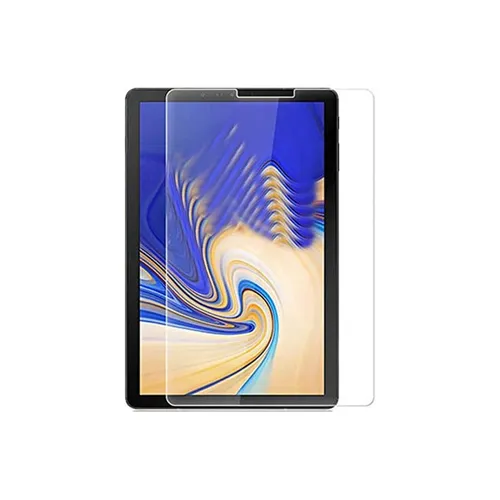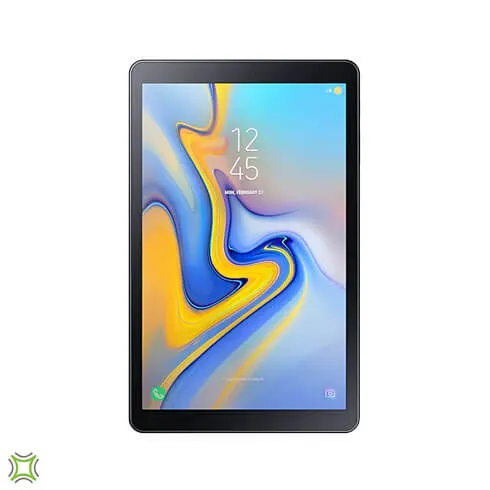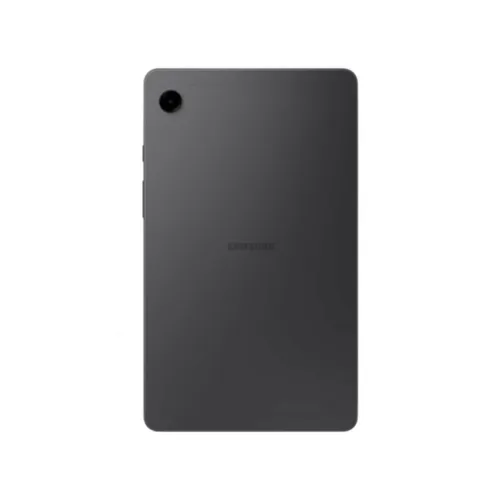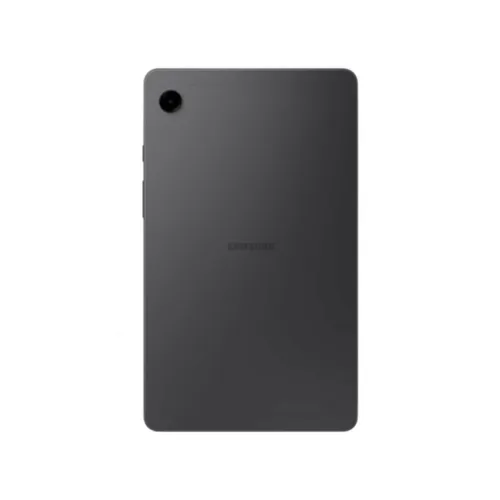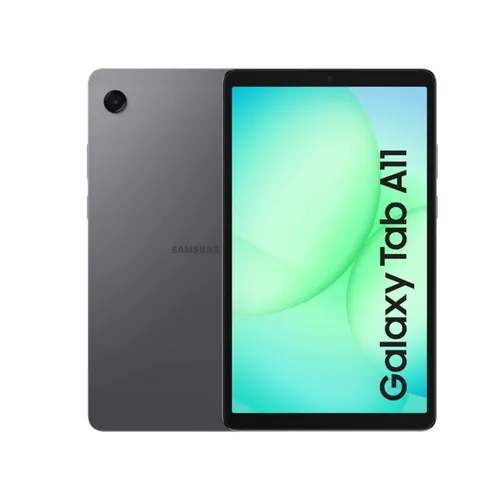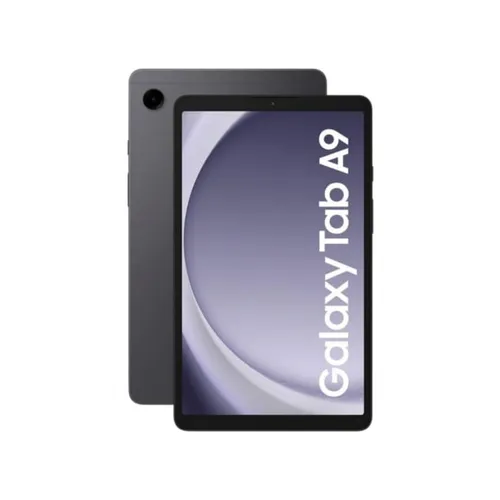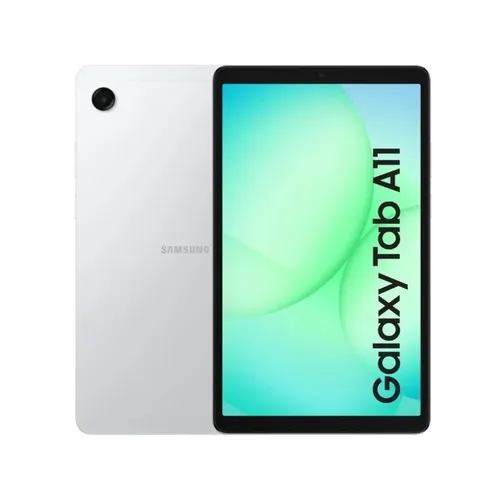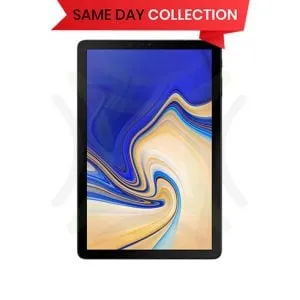
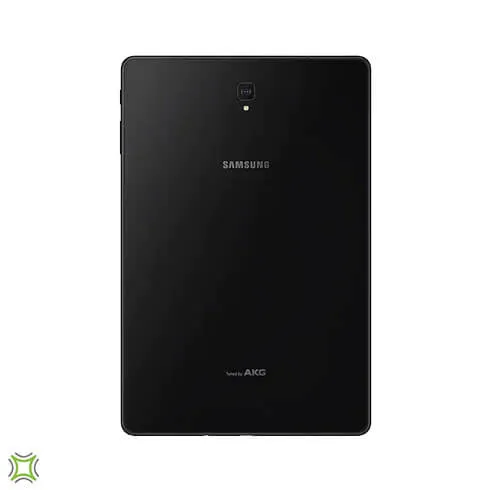
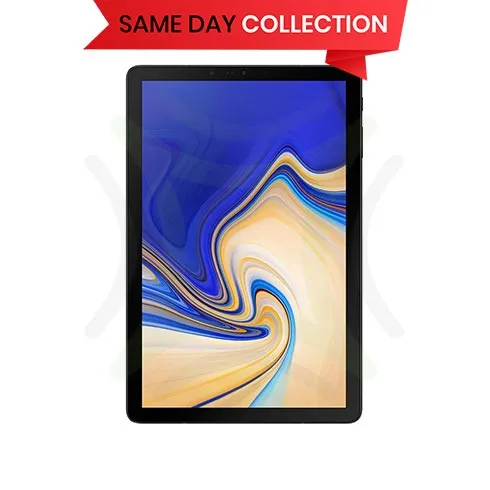
Samsung Galaxy Tab S4 10.5 4G - T835
Lifemobile
Rs 97,241
- Monday10:30 - 18:00
- Tuesday10:30 - 18:00
- WednesdayToday10:30 - 18:00
- Thursday10:30 - 18:00
- Friday10:30 - 18:00
- Saturday10:30 - 18:00
View more on,
Description
Multitask without boundaries
Adapted to your busy life at home and on the go, the refined Galaxy Tab S4 is your ultimate entertainment and multi-tasking assistant.
Samsung DeX effortless productivity
Samsung DeX is available on a Samsung tablet for the first time with Galaxy Tab S4. Get the productivity of a computer with the mobility of a tablet. Multi-task simply via an HDMI adapter without a DeX Station or DeX Pad, and add a keyboard, mouse or monitor for even more efficiency.
Certain apps may not run or may require purchase of a separate licence for use on Samsung DeX. Functions and user experience of some apps in Samsung Dex mode may differ from tablet mode.
2Samsung DeX supports multi-resolution (HD+/FHD) video outputs. HDMI adapter required to connect to external display when using Samsung DeX. Monitor and accessories including HDMI adapter, HDMI cable, DeX cable, keyboard and mouse are sold separately. Recommended accessories for Galaxy Tab S4: HDMI Adapter (EE-HG950), DeX Cable (EE-I3100). Exact model number may vary by country.
*Availability of Microsoft apps may vary by country/ region. Use of Microsoft Office on Samsung DeX requires purchase of license.
Ready to work
Put on your work hat. Galaxy Tab S4 works like a desktop with a task bar, multi-window capability and familiar gestures like drag & drop. When you want to have a desktop-like experience2, just launch Samsung DeX via the on-screen Quick Panel and add an Android-compatible keyboard and mouse.
1Drag & drop currently supported on pre-installed Samsung Notes, Samsung Email, Messages, My Files and Gallery, and Gmail apps only.
Certain apps may not run or may require purchase of a separate licence for use on Samsung DeX. Functions and user experience of some apps in Samsung Dex mode may differ from tablet mode.
Keyboard and mouse sold separately.
Diversify your work
Your personal productivity relies on comfort. That s where Samsung DeX with external monitor comes in. You can keep using the Android user interface on the tablet, with Samsung DeX on a larger screen. Or watch the monitor and use the tablet as a touch pad, digitizer, or touch keyboard.
Samsung DeX supports multi-resolution (HD+/FHD) video outputs. HDMI adapter required to connect to external display when using Samsung DeX. Monitor and accessories including HDMI adapter, HDMI cable and DeX cable sold separately.
Recommended accessories for Galaxy Tab S4: HDMI Adapter (EE-HG950), DeX Cable (EE-I3100). Exact model number may vary by country. Certain apps may not run or may require purchase of a separate licence for use on Samsung DeX. Functions and user experience of some apps in Samsung Dex mode may differ from tablet mode.
Get animated
Hover and click the S Pen to access Air Commands many productivity tools. Now you can use Live Message to create animated handwritten notes. Draw on photos to send to friends for more fun and dynamic conversations. And you'll never have to worry about charging the S Pen. It's battery-free.
Borrow language skills
Air Command can translate words and phrases with a swipe of the S Pen. You can even save a preferred currency or measurement system and the S Pen will automatically convert the units for you in the translation.
Enhanced performance
Galaxy Tab S4's LTE speeds of up to 1Gbps give you more time to get things done. And with 64GB and 256GB internal storage and additional memory of up to 512GB through the MicroSD card slot3, you have plenty of space to store documents and videos.
Actual experienced speeds may vary by user connection environment, carrier, network, product condition, content source and other factors.
Available storage may vary by country. Actual user-accessible memory is less than specified total memory due to storage of the operating system and software used to operate the device features, and other built-in applications, and may vary after software updates/ upgrades.
MicroSD card sold separately.
Lose yourself in your entertainment
Galaxy Tab S4 provides an expansive viewing area on a compact device. The 10.5 screen size was made possible from minimised bezels and no top logo or home button. And an improved 16:10 ratio sAMOLED display gives a more immersive viewing experience when watching your favourite content.
Surround yourself in the sound
Quad Speakers tuned by AKG deliver true-to-life sound. Now you can experience auto rotate stereo output, mastered by the experts at AKG. And Dolby Atmos contributes moving audio technology, enabling 3D surround sound with an added overhead dimension that brings the screen to life.
Binge watch for hours on end
Galaxy Tab S4 has a battery capacity of 7,300mAh lasting for up to 16 hours of video playback, so watching your favorite shows or season is now possible. And if your battery does run out, bring it to a full charge in just 200 minutes with fast charging.
Based on Samsung internal test results under controlled testing parameters. Actual usage time may vary depending on network, usage, mode settings, battery condition and other surrounding factors and conditions.
Based on Samsung internal test results under controlled testing parameters. Actual charging time may vary depending on network, usage, mode settings, battery condition and other surrounding factors and conditions. Fast charging requires use with compatible Adaptive Fast Charging Adapter.
Useful even on standby
Galaxy Tab S4 turns into a smart home display in its downtime. Daily Board can be set to display your favourite photos while it charges in its stand. Or make it into a helpful assistant that can display not just the current weather forecast1, but the current time or your calendar instead.
Weather forecast feature requires data connection.
*Daily board use requires POGO charging dock (sold separately) or Type C USB.
Let Bixby help
Focus on what matters and let Bixby Voice handle the rest. While you control your home appliances through the SmartThings app, Bixby can turn up the air conditioning, control your washing machine, and more.
Bixby service availability requires Samsung Account login and data connection. Available functions and features may vary by country, region and language. Data usage fees may apply.
Subject to device compatibility. Data connection required and data usage fees may apply.
Enhance your view of the world
With Bixby Vision, use Live Result to look up in
formation in real-time. Shop for an item you see in a store window, identify landmarks and businesses on the spot, and even translate foreign language signs and menus using the Bixby Vision icon in the camera viewfinder.
*Bixby Vision is supported on pre-installed Samsung Camera, Internet and Gallery apps, and limited to selected languages. GPS must be enabled to use Bixby Live Result. Data connection required.
Available functions and features may vary by country.
Your eyes are the key
Galaxy Tab S4 now includes iris scanning in addition to face recognition technology. A quick scan of your face or eyes is all that is needed to unlock your device.
Defense-grade security
Keep your data protected. The defence-grade security platform Samsung Knox is built from the chip up, starting up the instant you turn on your tablet. Multiple layers of real-time security put your data in a secure folder that only you can open, and keep your work and personal things separate.
*Knox Container is optional.
** TIMA: Trust-zone-based Integrity Measurement Architecture